🔗 Connected Docs
Once a component successfully navigates the Approval Flows, the next challenge is keeping its documentation accurate and synchronized across every platform your team depends on. This is where Connected Docs come in. Rather than letting details live in isolated silos, you create a single source of truth that updates everywhere it is referenced.
The Cumulus UI Library uses Connected Docs to ensure that Confluence, Storybook, and MDX‑based Knowledge Base entries all reflect the same component reality. Updates to a component’s structure or tokens are not left behind in stale pages. Instead, contributors follow a process that propagates updates so everyone stays aligned and informed.
Visualizing Connected Docs
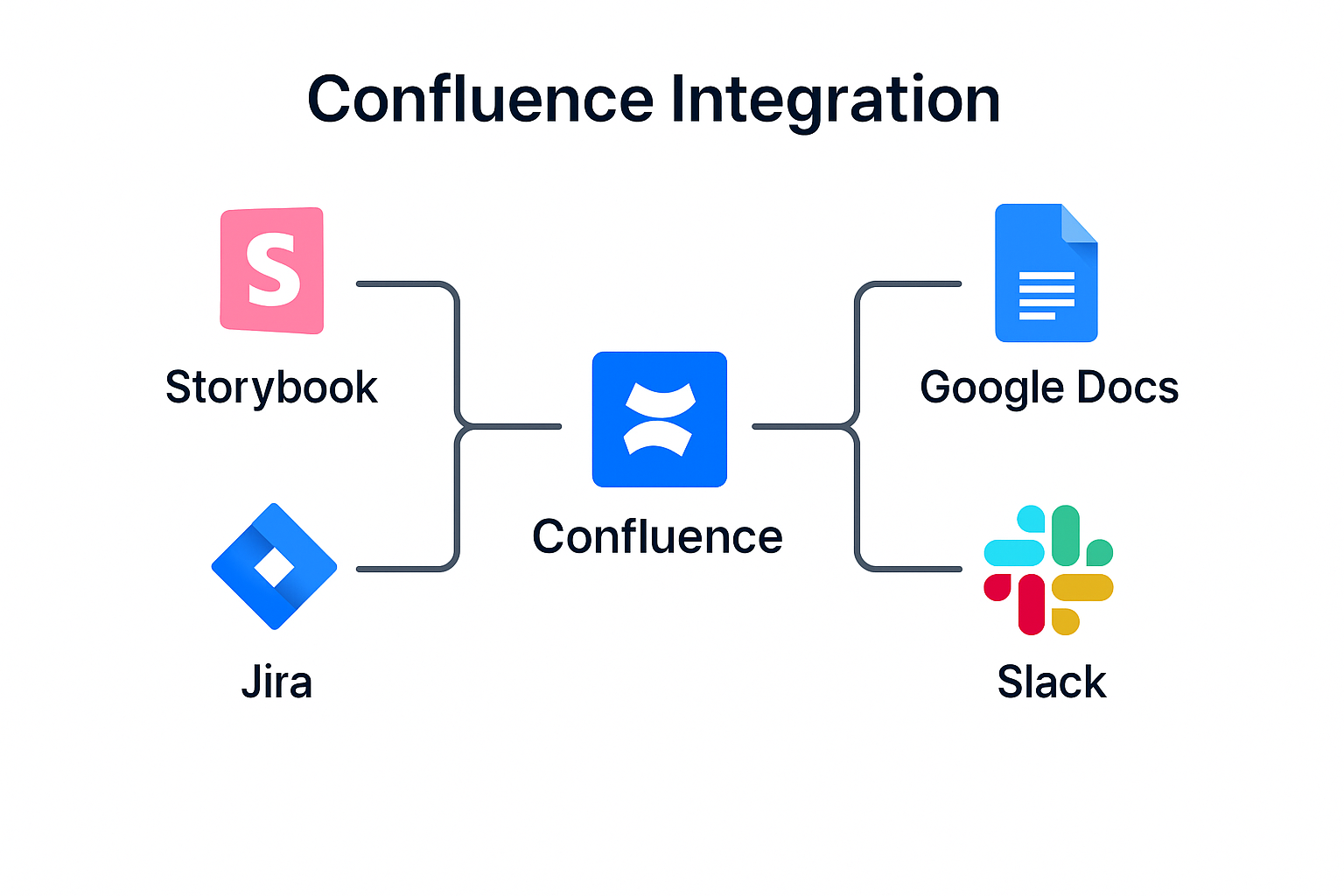
The first image shows the Confluence integrated view. This is where contributors often start, reviewing live details that feed into other parts of the documentation ecosystem. It demonstrates how Confluence acts as a base reference that teams trust when making changes.
By integrating Confluence with other platforms, teams avoid discrepancies between what is documented and what is actually implemented. This creates a reliable central hub where contributors and reviewers alike can verify information quickly and confidently.
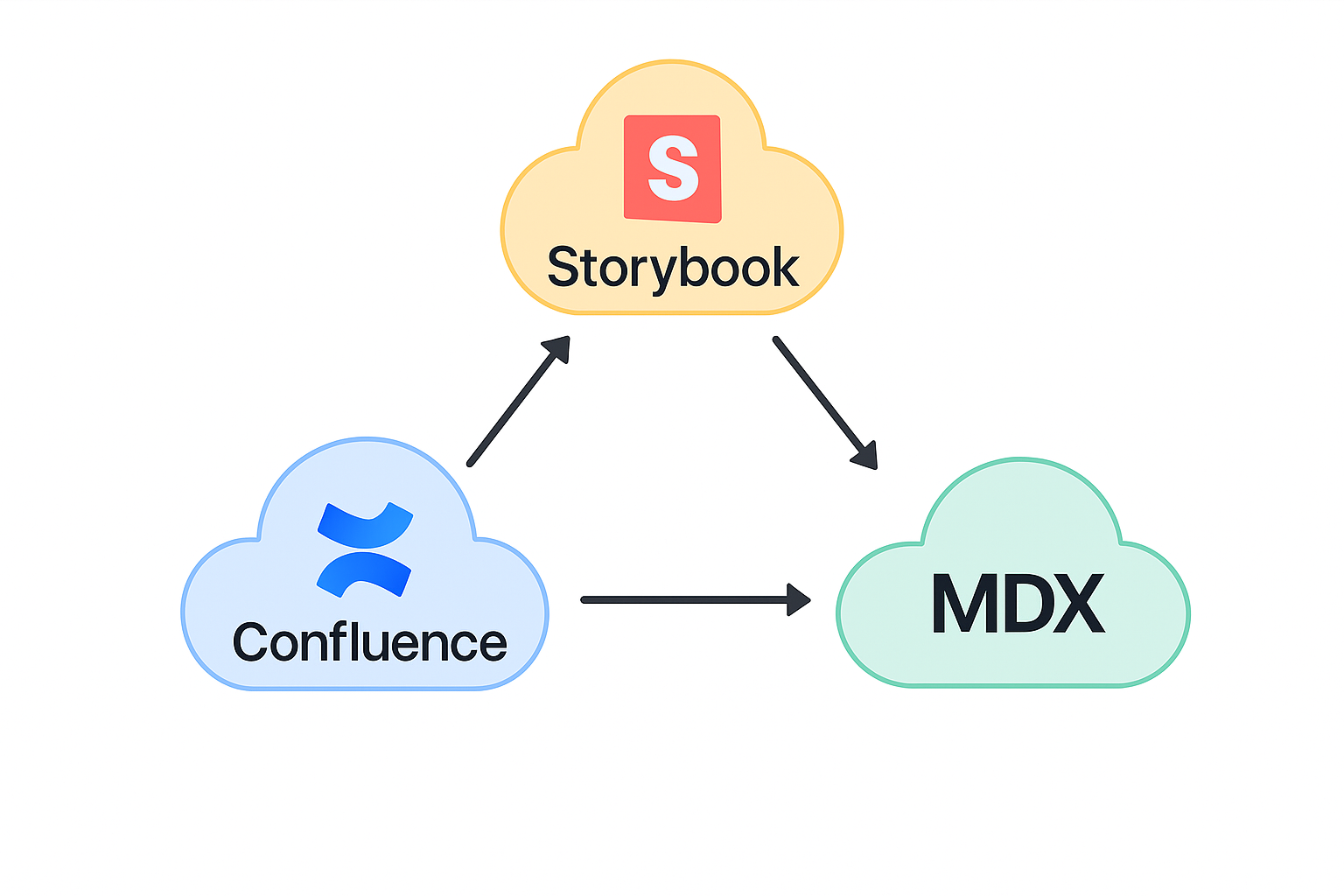
While the first figure shows the system anchored in Confluence, the second shifts focus to how those sources interconnect across platforms—Confluence, Storybook, and MadCap Flare—joined by soft, flowing links. This visual reinforces the idea that documentation is not isolated. Each platform is part of a synchronized network.
Presenting these icons together highlights that updates are not local changes; they ripple across every integrated channel. Contributors can be confident that their efforts in one place will be reflected everywhere else users might look, ensuring clarity at scale.
Why Connected Docs Matter
- ☁️Prevent drift by synchronizing updates between Confluence, Storybook, and MDX
- ☁️Reduce duplicate effort by linking documentation sources rather than recreating them
- ☁️Increase trust in the Knowledge Base by ensuring every entry stays current
- ☁️Empower reviewers and new contributors with accurate context at all times
- ☁️Support scalability by maintaining clarity as the library grows
Each of these benefits builds on the foundation laid by your Approval Flows. Without Connected Docs, even approved components can fall victim to confusion if one system reflects outdated rules or visuals. A single source of truth means every team member has confidence in the information they reference every day.
Connected Docs also make onboarding faster and safer. New contributors know exactly where to find verified information. Reviewers can validate decisions without digging through multiple systems. Leads can oversee change history without toggling between disconnected platforms. This workflow saves time and prevents errors.
Quick Reference Steps
- Verify that your component is fully approved before syncing documentation
- Update your Confluence entry with final details and links to Storybook
- Refresh any MDX pages to reflect the latest tokens and patterns
- Cross-check visual references to ensure accuracy and consistency
- Revisit these connections regularly as components evolve
- Document lessons learned to refine future updates and improve team workflows
Recap
The Connected Docs page is more than a workflow description. It is a commitment to maintain alignment across every documentation surface. When you follow these practices, you prevent drift and confusion, empowering your entire team with clarity and consistency.
By integrating documentation rather than duplicating it, you reduce maintenance costs and ensure that your design system remains a trusted resource. As you apply these practices, remember that Connected Docs is not a one‑time setup but an ongoing discipline that rewards attention and collaboration as the system grows.
View in Confluence
For the complete, live version of Connected Docs with all embedded assets and comments, visit it directly in Confluence:
View Connected Docs in Confluence
What’s Next
You have now completed the Confluence SOP series. The next step is to apply these practices as you contribute new components, ensuring that every change follows Approval Flows and stays aligned through Connected Docs. By doing this, you help maintain a system that remains clear, reliable, and scalable for everyone.